
THE APP
Clyro turns your photo into a tidying plan.
When you can see everything that needs tidying but cannot choose a starting point, Clyro helps you find a first action. Photograph your space, follow the suggested small tasks and return to your saved progress after a break.
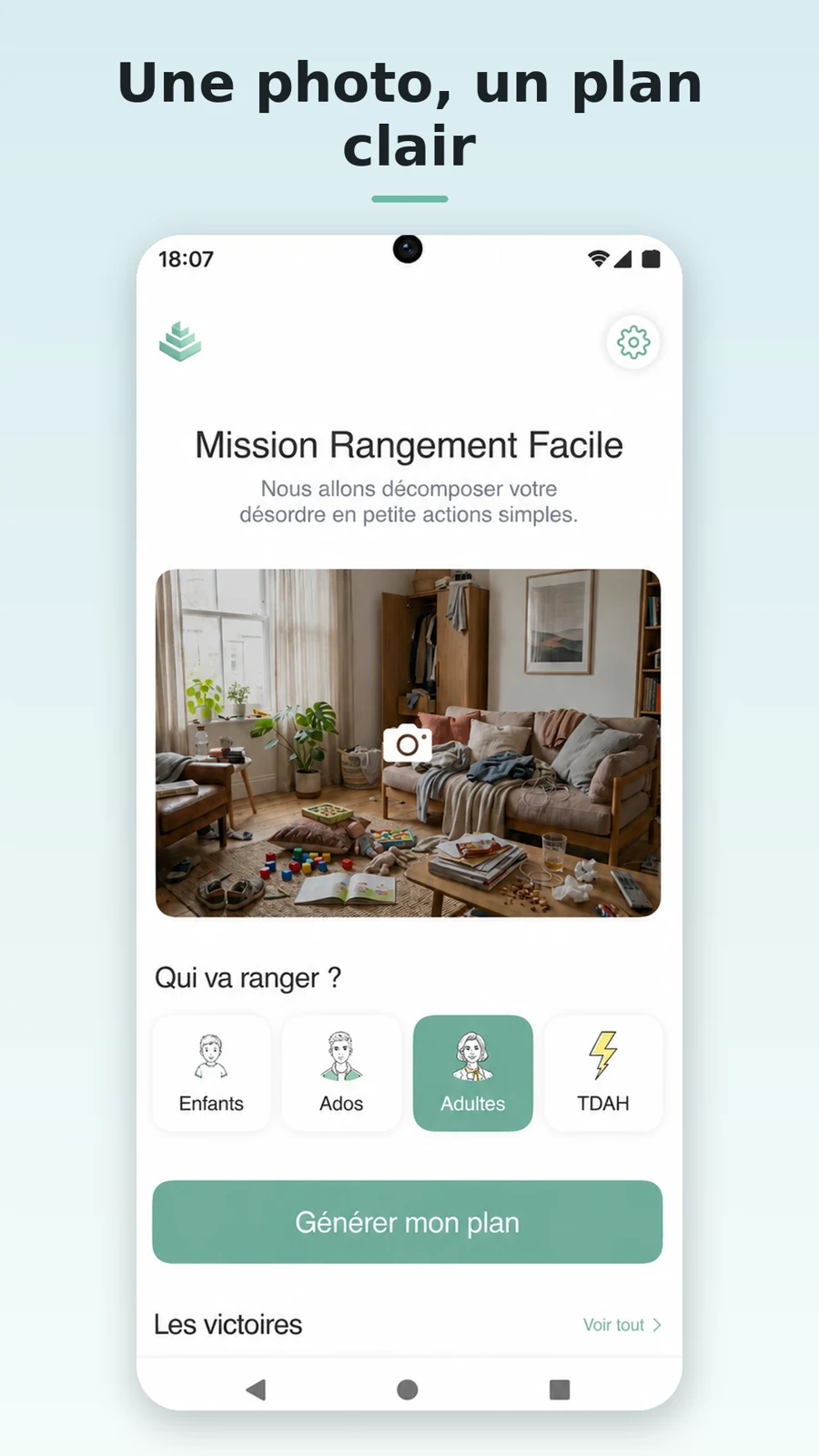
Start your session with a photo
A cluttered table, a desk after work or toys on the floor: Clyro starts with the area you photograph. AI analyses the image to suggest a plan based on the space in front of you. There is no need to write the whole task list yourself.
Choose an area you would like to use again, such as the part of your desk where your laptop belongs. This gives the session a starting point without committing you to tidying the entire room.
Know which small action comes next
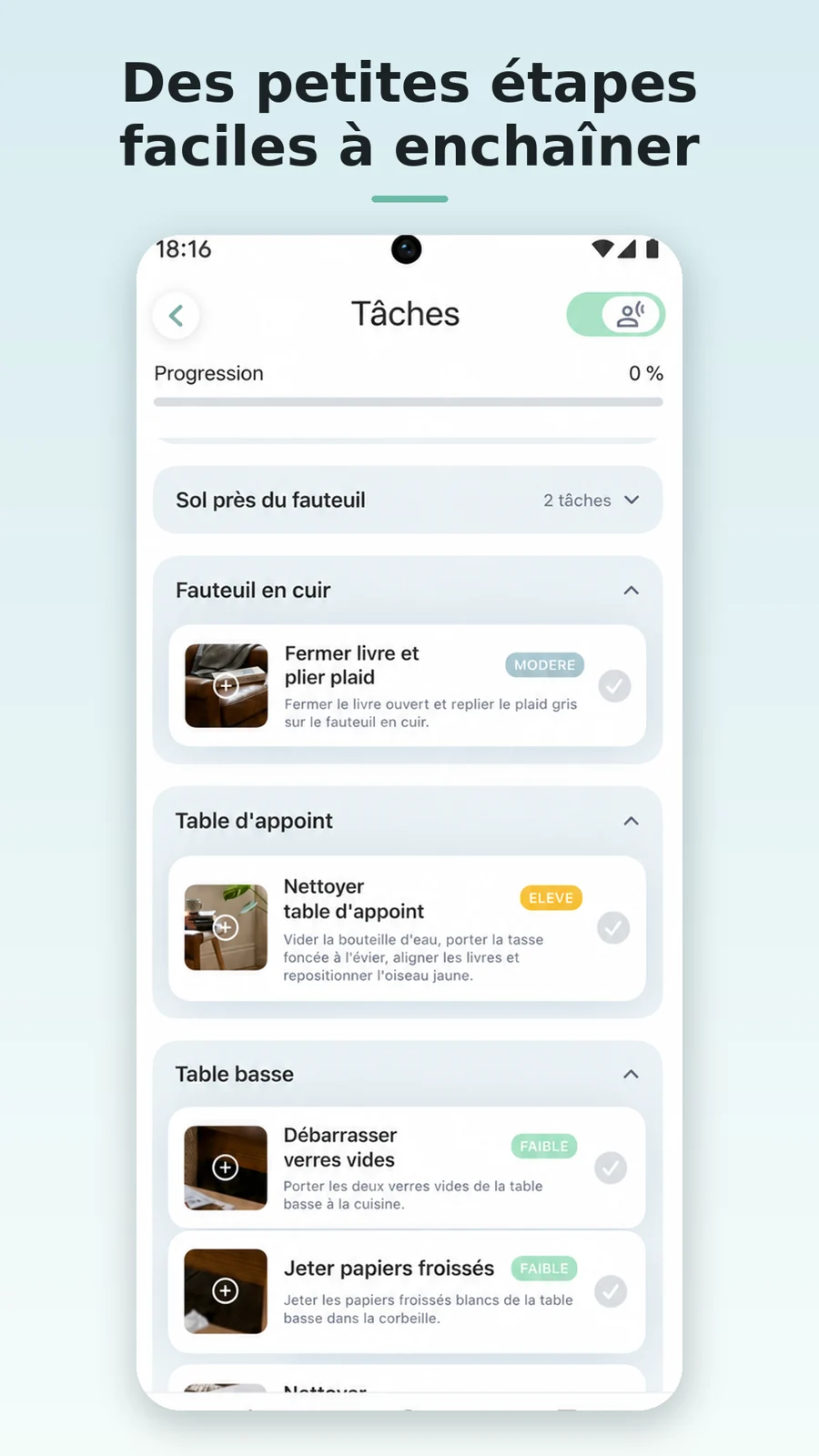
The plan is broken into small tasks in a sequence you can follow. The interface focuses on one action at a time, helping you concentrate on the suggested step without working through a long list.
For example, “collect the glasses and take them to the kitchen” gives you a clearer action than “tidy the living room”. This is an illustration of a specific instruction; Clyro’s actual suggestions depend on your photo. You decide which belongings to keep and where they belong.
A tone that fits children, teens and adults
Choose a child, teen or adult profile to adapt the tone and level of guidance. For a child’s bedroom, a parent can prepare the photo, help read the instructions and explain where belongings should go.
For your own session, you might start with a cluttered desk or a small area you have been putting off. The ADHD-friendly approach uses specific instructions and a simple interface. See how Clyro supports tidying with ADHD.
Check off actions and pick up where you left off
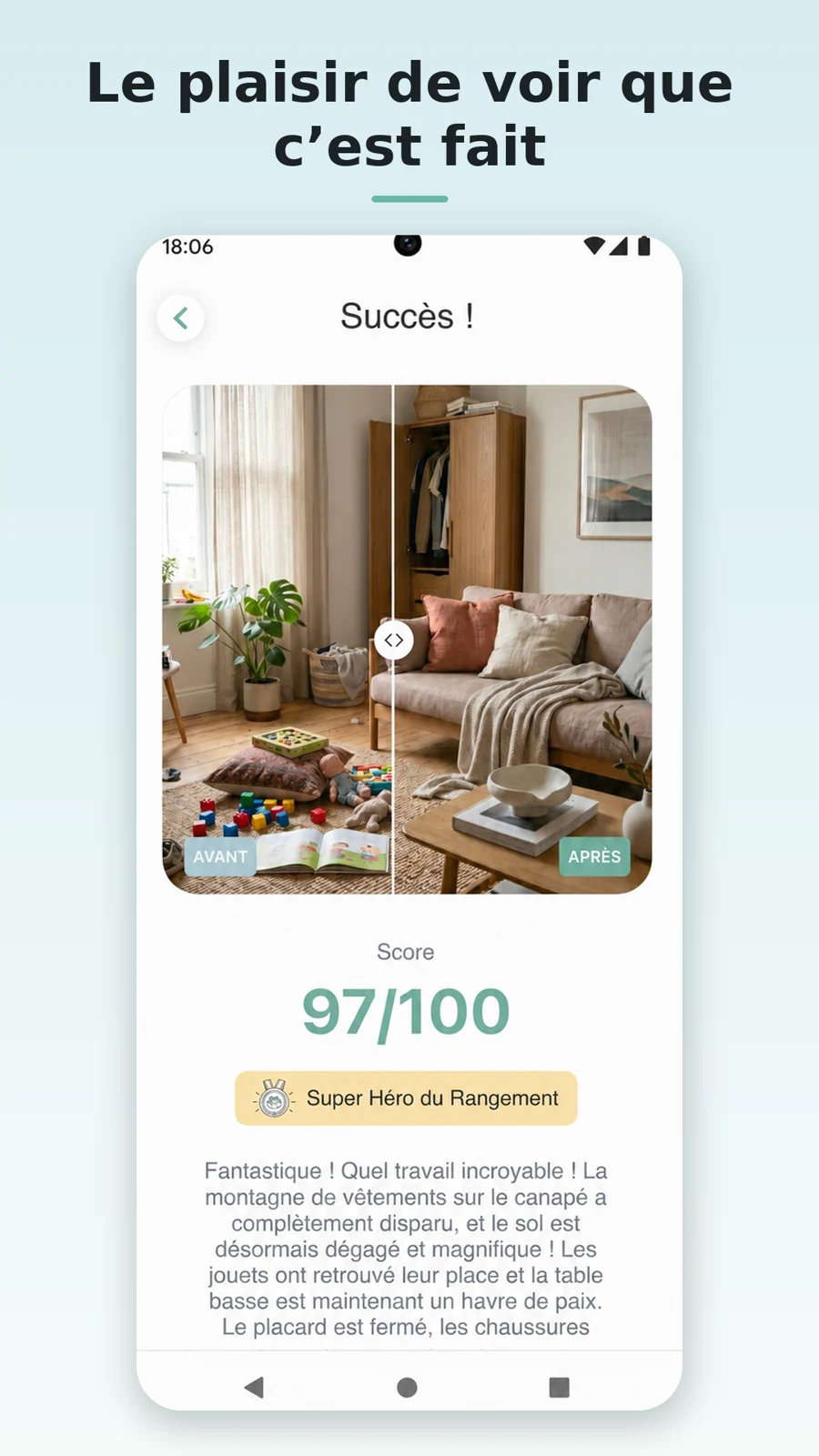
Check off the actions you complete. Positive feedback and celebrations make your progress visible. Your progress is saved, so you can take a break and return to the session.
The before-and-after view also helps you see what has changed in your space. You can aim for a limited result, such as making room to work, without trying to finish everything at once.
Available on iOS and Android, with the same features
Download Clyro from the App Store for iOS or Google Play for Android. Both versions offer the same features: photo analysis, plans broken into small actions, profiles and progress tracking.
Instructions in the user’s language
Clyro is available in French, English, German, Italian, Portuguese and Spanish. These languages are supported in both the interface and generated plans, so the actions in your tidying plan can be in your language too.
Understand the method, then apply it to your space
Our guides help you choose an area and a useful goal. Clyro then uses your photo to suggest actions for your own session. Find your first area to tidy or prepare a session with your child.
YOUR FIRST STEP CAN BE A SMALL ONE
Shall we start
with a photo?
Try Clyro with a small part of your own space: a desk, a table or a bedroom corner. The discovery offer includes enough credits to try the app 1 to 3 times.
Included credits let you try Clyro 1 to 3 times.